Tools40

Compress & convert

How to Extract Full-Resolution PNG & JPG Frames from a Video Online

OS screen-snipping tools capture compressed player chrome, progress bars, and scaled-down monitor pixels instead of your video’s true native resolution. i2Vid Extract Video Frames exports full-resolution PNG, JPG, or WebP stills directly from the decoded video stream.

Save an exact full-HD/4K still snapshot from any MP4, MOV, or WebM frame—or batch-export timed frame sequences in a single ZIP archive.

Follow the guide
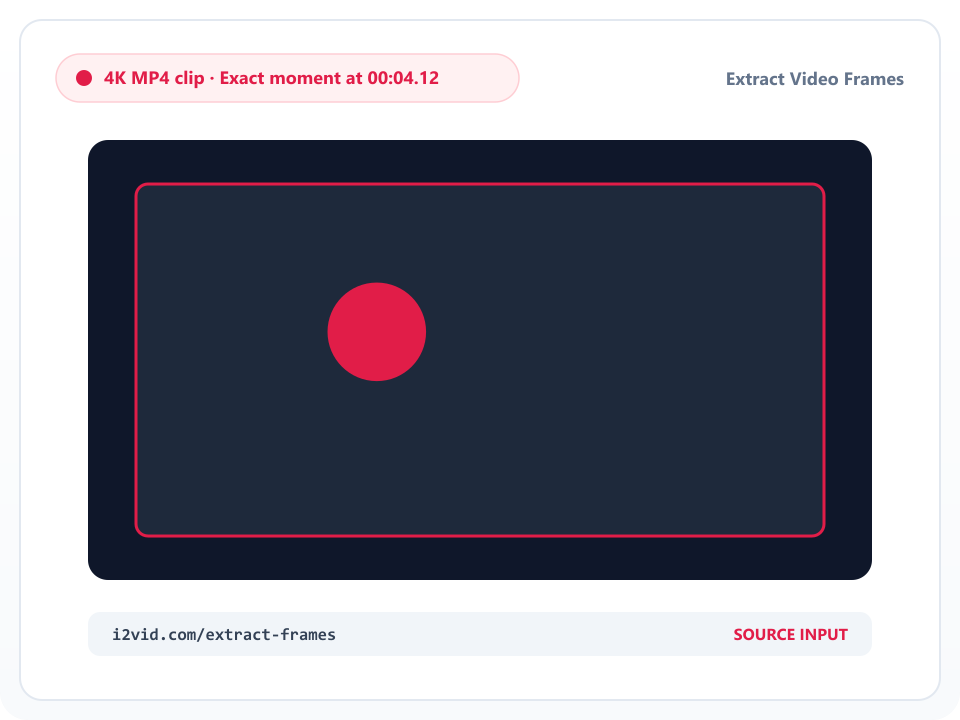
Before 4K MP4 clip · Exact moment at 00:04.12
Extract Video Frames source input — 4K MP4 clip · Exact moment at 00:04.12
Blurry desktop screenshot cluttered with video player controls and reduced window scaling.
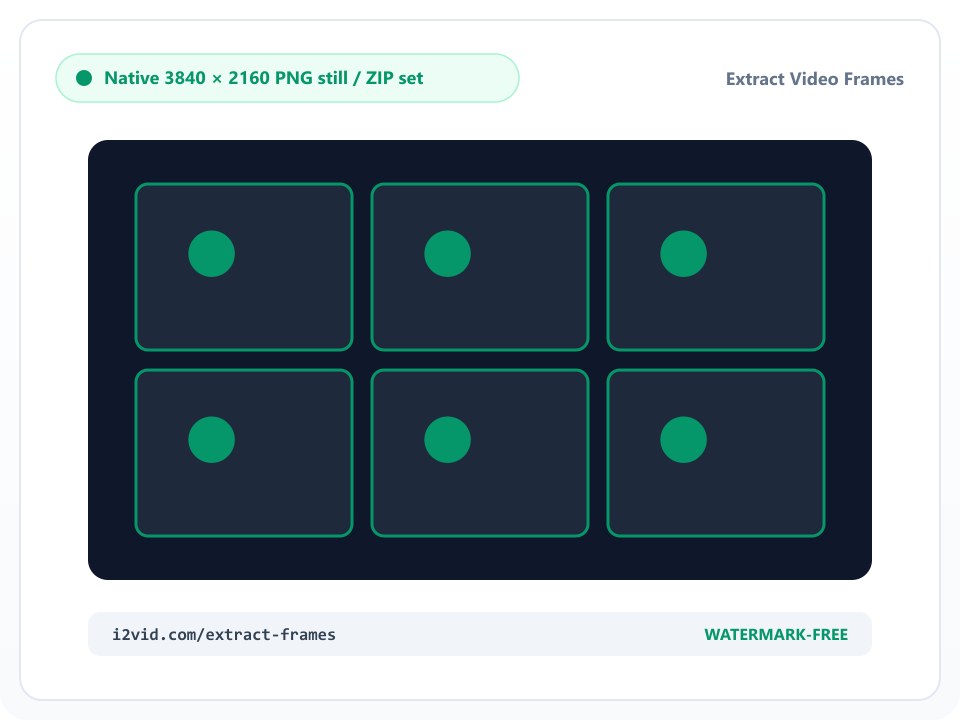
After Native 3840 × 2160 PNG still / ZIP set
Extract Video Frames finished result — Native 3840 × 2160 PNG still / ZIP set
Pixel-pure native-resolution PNG/JPG snapshot (or timed interval ZIP sequence) with zero UI chrome.
QUICK VIDEO TUTORIAL How to Extract Full-Resolution PNG & JPG Frames from a Video Online OS screen-snipping tools capture compressed player chrome, progress bars, and scaled-down monitor pixels instead of your video’s true native resolution. i2Vid Extract Video Frames exports full-resolution PNG, JPG, or WebP stills directly from the decoded video stream. Watch the video

How to Extract Full-Resolution PNG & JPG Frames from a Video Online

01

Load your video and step to the sharpest frame

Open Extract Video Frames and drop your MP4, MOV, MKV, or WebM video.

Scrub the timeline or step frame-by-frame to land on the crispest, motion-blur-free expression or slide.

02

Choose Single Snapshot or Timed Sequence (Every N Seconds)

Select Current Frame to grab a single still photo at the playhead, or Interval Sequence (such as every 1s, 2s, or 5s across your trimmed range) to capture a full series.

Pick lossless PNG for crisp UI text and graphics, or JPG / WebP for compact YouTube thumbnails.

Step 1–2 frames forward to beat motion blur

If a fast gesture looks slightly soft, stepping just one or two frames forward often lands on a razor-sharp key pose.

PNG stays under YouTube’s 2 MB thumbnail cap at 1080p

Use JPG at 92% quality if a detailed 4K PNG exceeds YouTube’s 2 MB custom thumbnail upload limit.

03

Save your full-resolution image or numbered ZIP archive

Click Export Frames. Single stills download directly as an image file, while multi-frame sequences bundle cleanly into one numbered ZIP archive.

Inspect your crisp full-resolution capture immediately.

Ready to use Extract Video Frames?

Open Extract Video Frames in your browser—100% private on your device with zero uploads and zero watermarks. Related video tools: Video Contact Sheet, Trim Video, Video to WebP.

Open Extract Video Frames
Common questions

Extract Video Frames FAQs

Practical answers for getting clean, fast, watermark-free video exports right in your browser.

What pixel dimensions will my extracted photo have?

The exact native width and height of your video stream (for example 3840×2160 from a 4K video), regardless of your browser window size.

How are 20 interval frames downloaded?

Automatically bundled into a single numbered `.zip` file so you download everything cleanly in one click.

Are videos uploaded anywhere?

No, frame extraction happens 100% locally in your browser.

Image detail

Language38

EnglishالعربيةFrançaisItalianoDeutschEspañolPortuguêsNederlandsРусскийTürkçe日本語中文हिन्दीBahasa IndonesiaBahasa Melayu한국어Tiếng ViệtไทยPolskiSvenskaУкраїнськаNorskবাংলাΕλληνικάفارسیاردوČeštinaDanskMagyarRomânăSuomiБългарскиFilipinoქართულიSlovenčinaAzərbaycancaעבריתSlovenščina