Tools40

Compress & convert

How to Create a Timestamped Video Contact Sheet (Thumbnail Grid PNG/JPG)

Reviewing footage archives, documenting QA recordings, or sharing a visual chapter overview of a 30-minute video is effortless with a timestamped contact sheet. i2Vid Video Contact Sheet samples evenly spaced frames and renders a crisp PNG or JPG grid in seconds.

Generate clean 2×2, 3×3, 4×4, or 4×6 timestamped video preview grids with technical header metadata in Dark or Light themes right in your browser.

Follow the guide
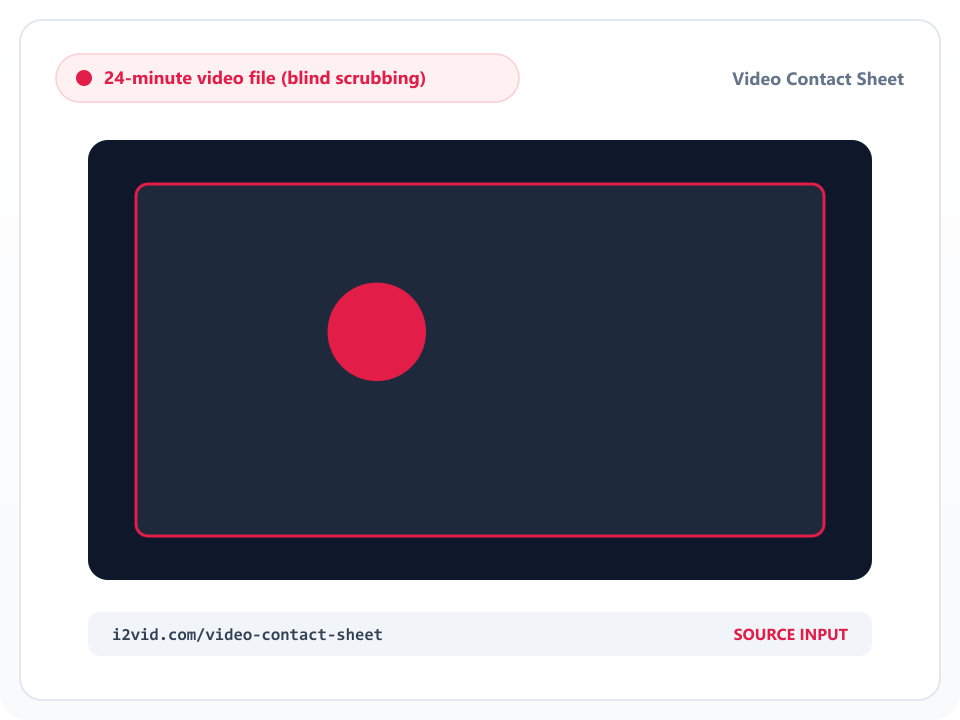
Before 24-minute video file (blind scrubbing)
Video Contact Sheet source input — 24-minute video file (blind scrubbing)
Opaque video file requiring manual scrubbing to know what scenes it contains.
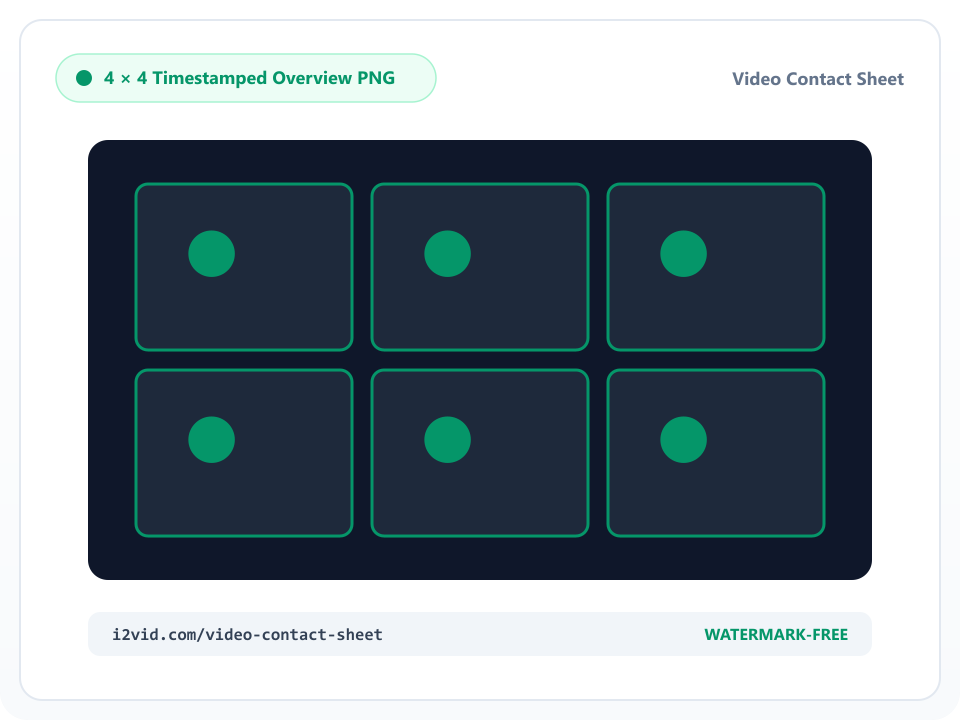
After 4 × 4 Timestamped Overview PNG
Video Contact Sheet finished result — 4 × 4 Timestamped Overview PNG
Single high-resolution contact sheet showing 16 evenly spaced frames, timestamps, and file specs.
QUICK VIDEO TUTORIAL How to Create a Timestamped Video Contact Sheet (Thumbnail Grid PNG/JPG) Reviewing footage archives, documenting QA recordings, or sharing a visual chapter overview of a 30-minute video is effortless with a timestamped contact sheet. i2Vid Video Contact Sheet samples evenly spaced frames and renders a crisp PNG or JPG grid in seconds. Watch the video

How to Create a Timestamped Video Contact Sheet (Thumbnail Grid PNG/JPG)

01

Drop your MP4, MOV, MKV, or WebM video

Open Video Contact Sheet and select your video recording.

Keep the full duration selected for a complete archive overview, or trim Start/End to focus the grid on one chapter.

02

Select grid layout, Dark/Light studio theme, and timestamp labels

Pick 2×2 (4 frames), 3×3 (9 frames), 4×4 (16 frames), or 4×6 (24 frames).

Choose Dark Cinema or Clean Light background, and toggle frame timestamps and the top metadata header (filename, resolution, duration, file size).

Attach contact sheets to footage folders & tickets

Dropping a 4×4 `.png` contact sheet next to raw camera archives lets editors scan every take visually in Finder or Explorer without opening players.

Light theme for printable storyboards

Switch to Light theme when pasting contact sheets into white PDF reports or printed production notes.

03

Generate and download your contact sheet image

Click Export Sheet to sample each timestamp and render the composite grid locally.

Inspect and save your crisp PNG or JPG overview sheet.

Ready to use Video Contact Sheet?

Open Video Contact Sheet in your browser—100% private on your device with zero uploads and zero watermarks. Related video tools: Extract Video Frames, Video Metadata Inspector, Trim Video.

Open Video Contact Sheet
Common questions

Video Contact Sheet FAQs

Practical answers for getting clean, fast, watermark-free video exports right in your browser.

How are frame sample times calculated?

Frames are spaced evenly across your selected duration (avoiding extreme black first/last fade frames) so every scene is represented fairly.

Can I hide the filename header for anonymous sharing?

Yes—toggle off the header option if you want only the clean thumbnail grid and timestamps.

Are videos uploaded anywhere?

No, contact sheet rendering runs 100% locally in your browser.
Image detail

Language38

EnglishالعربيةFrançaisItalianoDeutschEspañolPortuguêsNederlandsРусскийTürkçe日本語中文हिन्दीBahasa IndonesiaBahasa Melayu한국어Tiếng ViệtไทยPolskiSvenskaУкраїнськаNorskবাংলাΕλληνικάفارسیاردوČeštinaDanskMagyarRomânăSuomiБългарскиFilipinoქართულიSlovenčinaAzərbaycancaעבריתSlovenščina