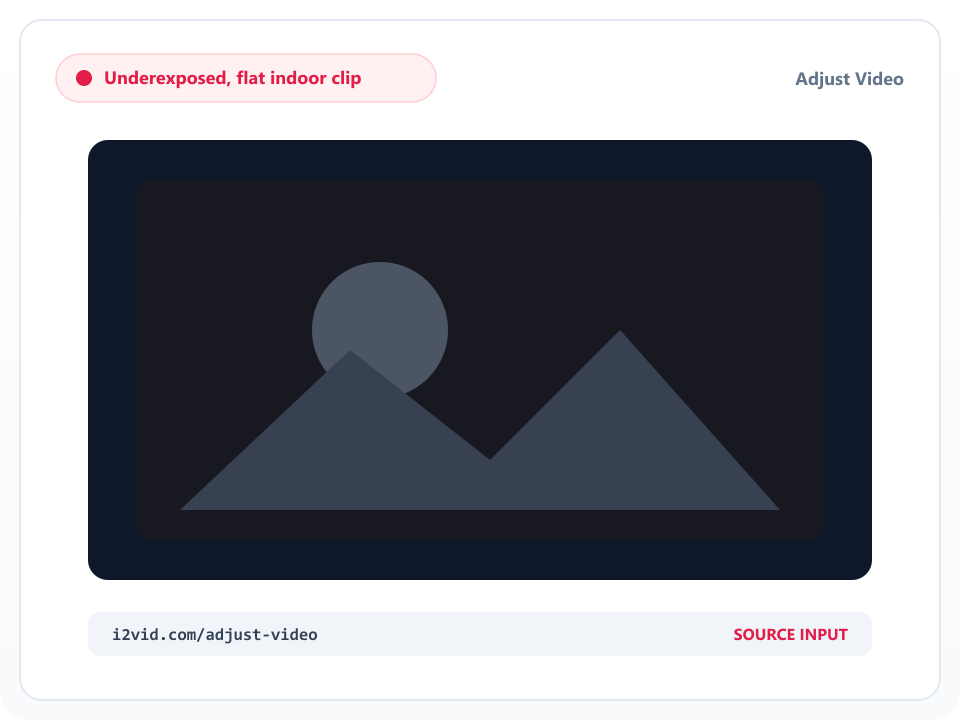
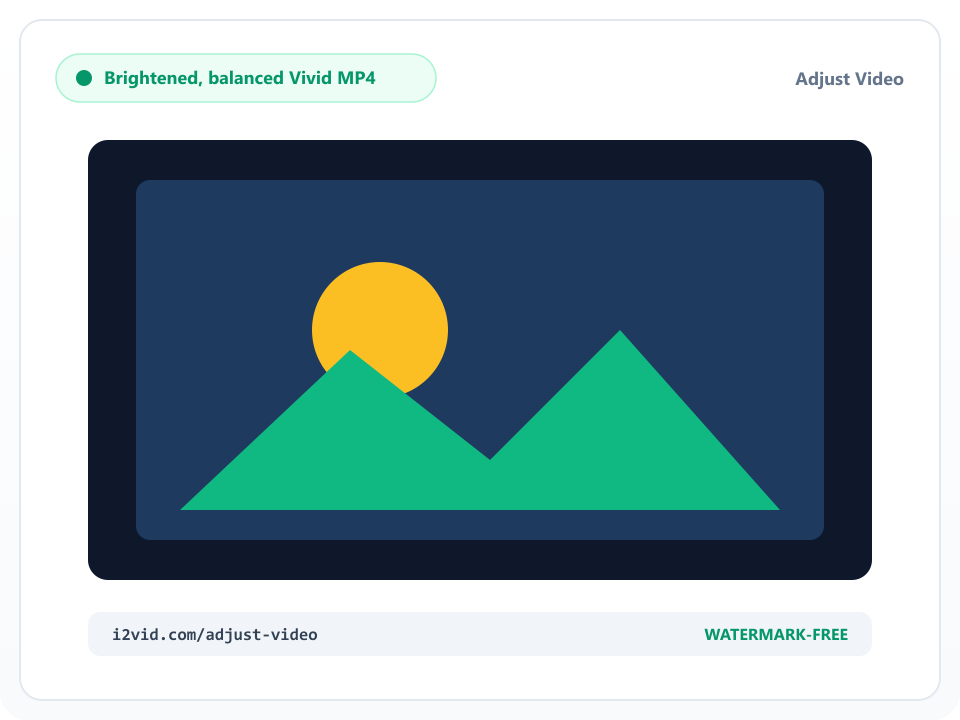

Drop your dark or flat video onto the stage
Open Adjust Video and load your MP4, MOV, MKV, or WebM clip.
Play or scrub to a representative frame with faces or key subject details.
Apply a Quick Color Look or dial exact grading sliders
Test one-click looks—Vivid, Warm, Cinema Cool, Crisp B&W, or Soft Matte—to set an instant mood.
Fine-tune Brightness, Contrast, Saturation, and Tint / Hue sliders while watching the live video update immediately, or click Reset Sliders anytime to compare.
Lifting Brightness (+12% to +20%) alongside Contrast (+8% to +14%) brightens shadows without making blacks look washed out.
A slight Warm preset or gentle hue nudge softens harsh blue monitor glow on webcam recordings.
Bake your color adjustments into a crisp MP4 or WebM
Click Export Video to render the graded frames locally in your browser.
Preview and download your brightened video.
Ready to use Adjust Video?
Open Adjust Video in your browser—100% private on your device with zero uploads and zero watermarks. Related video tools: Webcam Recorder, Crop Video, Online Video Editor.
Adjust Video FAQs
Practical answers for getting clean, fast, watermark-free video exports right in your browser.
Can I convert a color video to crisp black and white?
Yes—click Crisp B&W (or set Saturation to −100%) for high-contrast monochrome footage.
Are my adjustments visible on every player after downloading?
Yes, color adjustments are rendered directly into the exported video frames.
Are videos uploaded anywhere?
No, grading runs 100% locally in your browser.