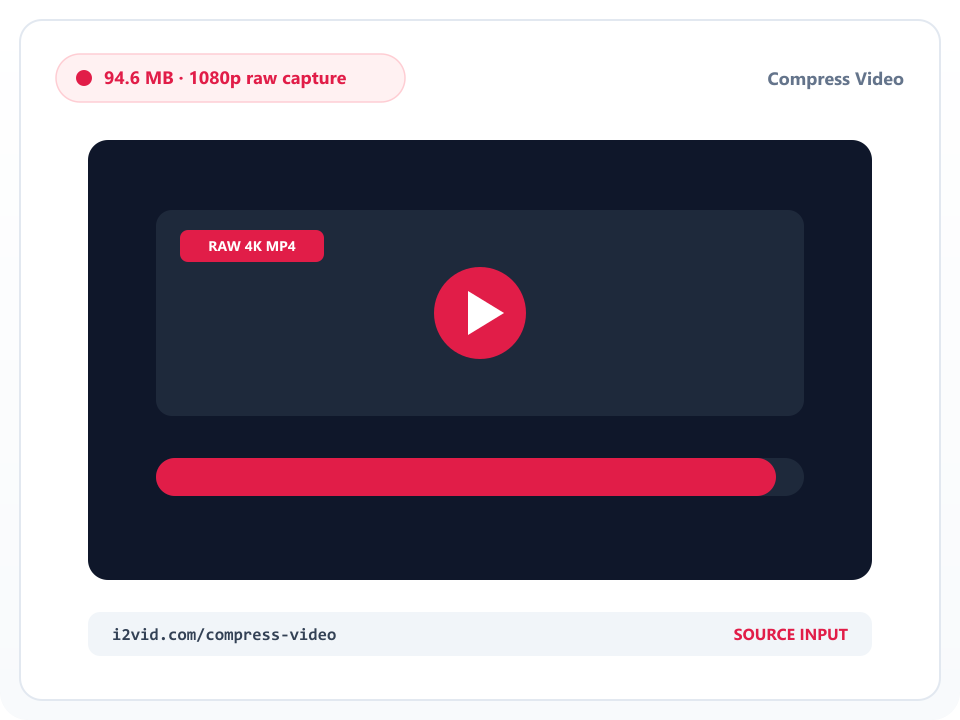

Open the oversized MP4, MOV, MKV, or WebM file
Open Compress Video and select your video. The studio immediately displays its current file size, pixel dimensions, and duration without uploading a single byte.
If your clip has extra seconds at the beginning or end, drag the filmstrip handles first—every trimmed second leaves more bitrate budget for sharper image quality.
Pick an exact MB target preset or balanced quality mode
Select 8 MB, 10 MB (Discord), 25 MB (Gmail & Outlook), 50 MB, or enter a custom megabyte target. The live estimator shows your calculated video + audio bitrate before encoding starts.
For longer clips targeting 8 MB or 10 MB, choose 720p max resolution so each frame receives plenty of detail instead of blockiness at full 4K.
Downscaling a 2-minute 4K clip to 720p when targeting 10 MB looks dramatically cleaner than forcing 4K pixels into a tiny bitrate.
Unchecking Keep audio track on silent screen captures frees an extra 96–128 kbps solely for sharper video text.
Run compression and verify the final MB savings
Click Export Video and watch the progress ring as your browser encodes the smaller MP4 or WebM locally.
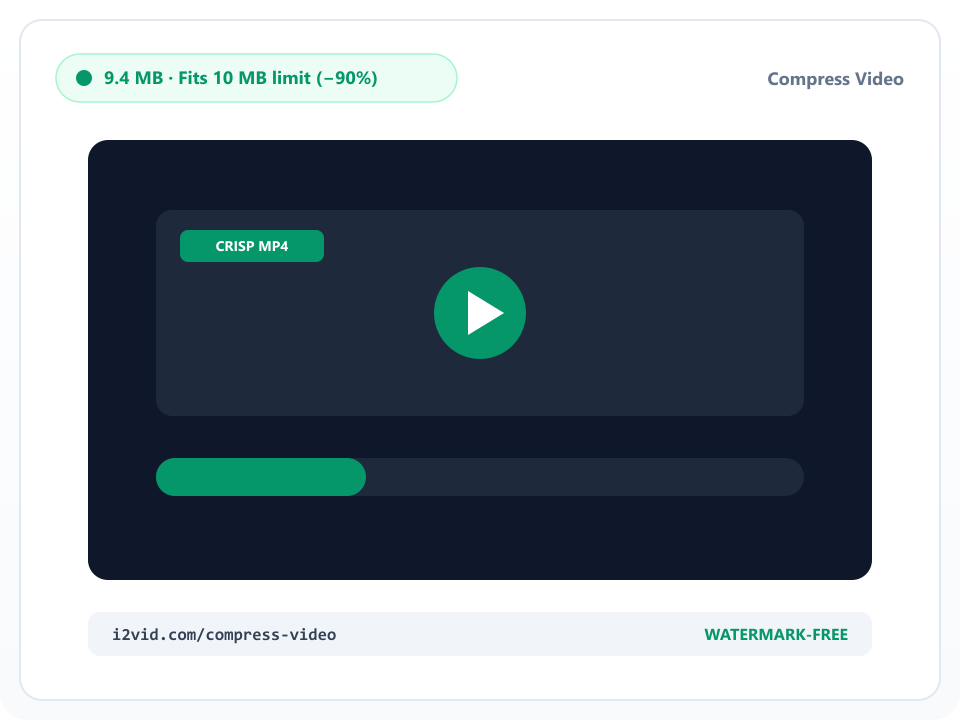
Review the exact output file size and playback preview on the download screen, then save your compressed clip.
Ready to use Compress Video?
Open Compress Video in your browser—100% private on your device with zero uploads and zero watermarks. Related video tools: Resize Video, Trim Video, Video Converter.
Compress Video FAQs
Practical answers for getting clean, fast, watermark-free video exports right in your browser.
Why is 10 MB popular for Discord and chat apps?
Free Discord servers cap uploads at 10 MB, while Gmail and Outlook cap direct attachments around 25 MB—our presets leave safety headroom so uploads never fail.
Will compressing turn my video blurry?
Smart variable-bitrate encoding preserves detail during motion and pairs cleanly with optional 1080p or 720p scaling for crisp results.
Are confidential work videos uploaded to a server?
No. Compression runs 100% locally in your browser.