Tools40

Speed & filters

How to Inspect Video Resolution, FPS & Bitrate—and Strip Hidden GPS Metadata

Smartphones routinely embed exact GPS home/office coordinates, creation timestamps, and device serial details inside `.mov` and `.mp4` headers. i2Vid Video Metadata Inspector reveals your clip’s technical stream properties locally—and exports a clean, tag-stripped copy with zero quality loss.

Check MP4, MOV, MKV, and WebM container specs, codecs, resolution, frame rate, and bitrate locally—and export a clean metadata-stripped copy in under a second.

Follow the guide
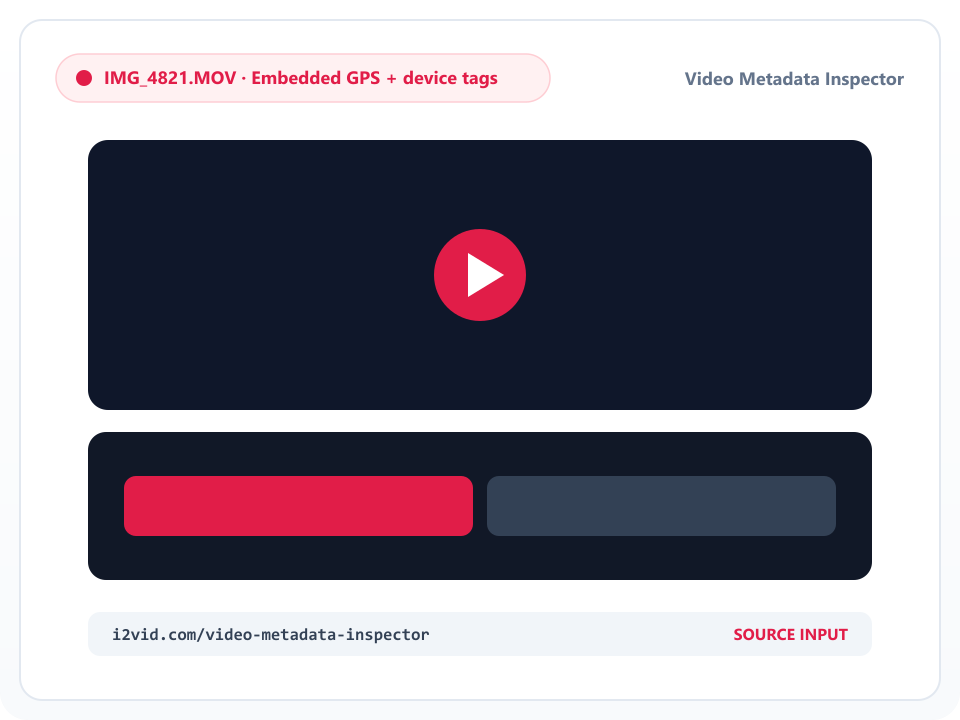
Before IMG_4821.MOV · Embedded GPS + device tags
Video Metadata Inspector source input — IMG_4821.MOV · Embedded GPS + device tags
Phone recording carrying hidden location coordinates and device identifiers inside container atoms.
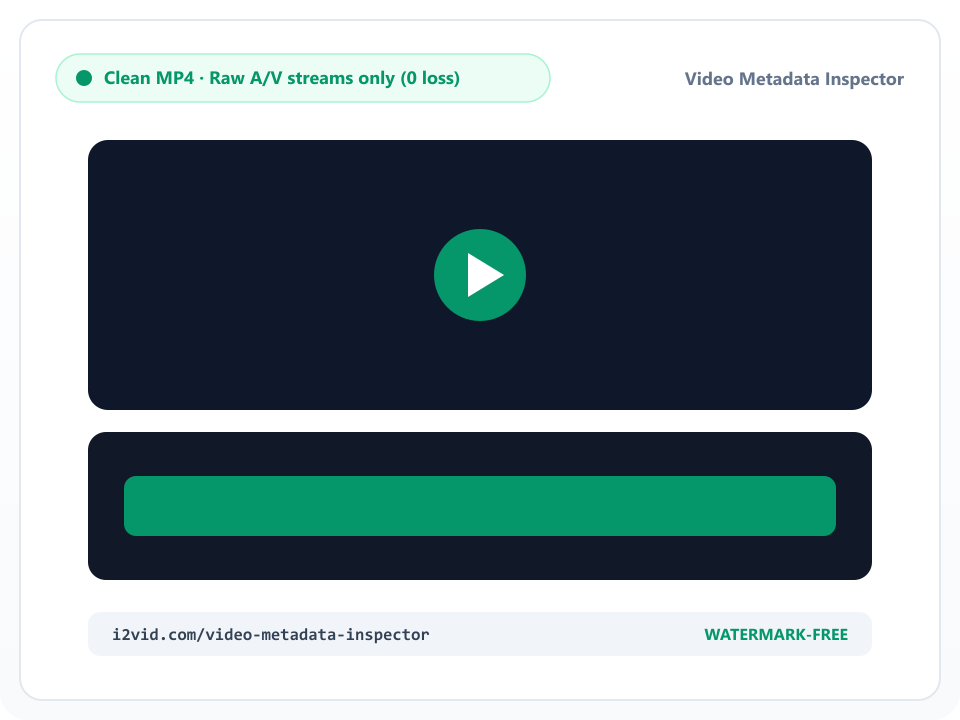
After Clean MP4 · Raw A/V streams only (0 loss)
Video Metadata Inspector finished result — Clean MP4 · Raw A/V streams only (0 loss)
Freshly muxed container preserving 100% original video/audio quality with personal tags left behind.
QUICK VIDEO TUTORIAL How to Inspect Video Resolution, FPS & Bitrate—and Strip Hidden GPS Metadata Smartphones routinely embed exact GPS home/office coordinates, creation timestamps, and device serial details inside `.mov` and `.mp4` headers. i2Vid Video Metadata Inspector reveals your clip’s technical stream properties locally—and exports a clean, tag-stripped copy with zero quality loss. Watch the video

How to Inspect Video Resolution, FPS & Bitrate—and Strip Hidden GPS Metadata

01

Open any video to inspect its technical stream table instantly

Open Video Metadata Inspector and select your MP4, MOV, MKV, or WebM file.

The Inspector table immediately displays container type, pixel width × height, aspect ratio, frame rate (FPS), duration, overall bitrate, and audio status—100% offline in your browser.

02

Confirm stream settings before saving a clean copy

Keep full duration selected for a pure metadata-stripping pass, or adjust Start/End if you also want to trim the ends.

Leave Keep audio track enabled (or uncheck it if you also want silent footage).

Clean phone videos before public forum or marketplace posts

Stripping container tags before posting house-tour, item-sale, or family clips prevents sharing your exact GPS coordinates unintentionally.

Diagnose upload rejections fast

Check exact pixel dimensions, FPS, and bitrate in one second whenever a social platform or ad manager rejects a file.

03

Download a fresh container free of embedded personal tags

Click Export Clean Copy to write only the raw video and audio streams into a brand-new container.

Save your privacy-cleaned MP4 or WebM in moments.

Ready to use Video Metadata Inspector?

Open Video Metadata Inspector in your browser—100% private on your device with zero uploads and zero watermarks. Related video tools: Blur Video, Video Converter, Video Contact Sheet.

Open Video Metadata Inspector
Common questions

Video Metadata Inspector FAQs

Practical answers for getting clean, fast, watermark-free video exports right in your browser.

Does stripping metadata degrade video or audio quality?

Not at all—raw video and audio packets copy into a fresh container without re-encoding pixels.

Are my files or metadata ever sent to a server?

Never. Both inspection and tag stripping run completely inside your own browser.

What if sensitive info is also visible INSIDE the video image?

Use Blur Video right after to blur or black out visible faces, license plates, or on-screen addresses!


Image detail

Language38

EnglishالعربيةFrançaisItalianoDeutschEspañolPortuguêsNederlandsРусскийTürkçe日本語中文हिन्दीBahasa IndonesiaBahasa Melayu한국어Tiếng ViệtไทยPolskiSvenskaУкраїнськаNorskবাংলাΕλληνικάفارسیاردوČeštinaDanskMagyarRomânăSuomiБългарскиFilipinoქართულიSlovenčinaAzərbaycancaעבריתSlovenščina