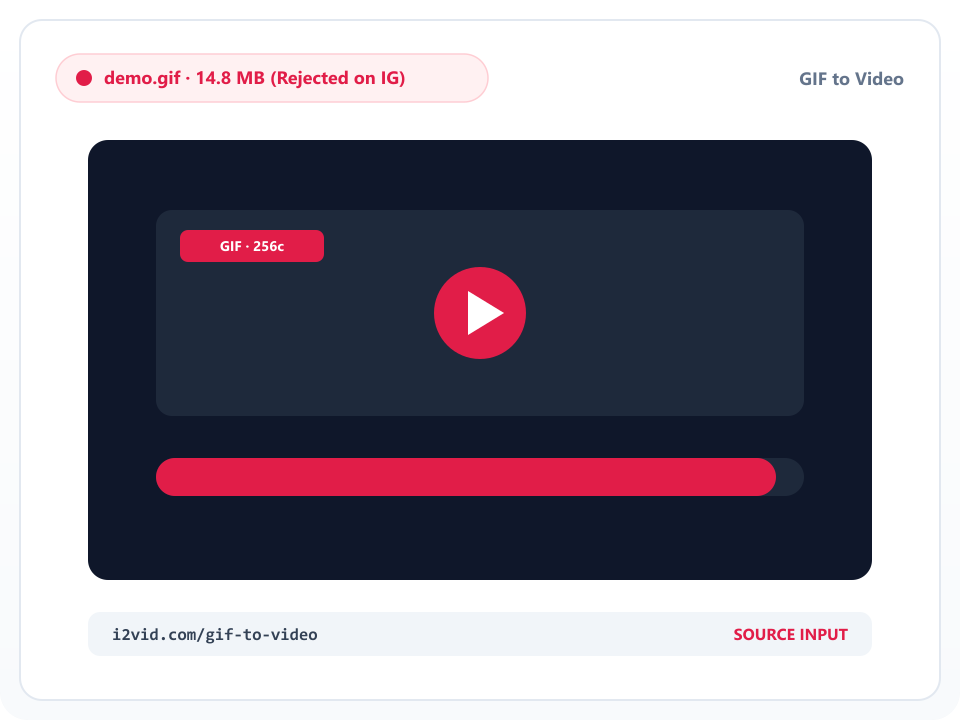


Drop your animated GIF onto the converter
Open GIF to Video and choose any animated `.gif` file from your computer or phone.
Every animation frame and per-frame delay is decoded locally in your browser.
Choose repeat loops and MP4 or WebM output
If your GIF is only 1–2 seconds long, set Loop Count to 3× or 4× so the exported MP4 clears Instagram and X minimum duration rules.
Choose MP4 for social apps and universal playback, or WebM for ultra-light HTML5 web embeds.
Swapping multi-megabyte GIFs for MP4/WebM dramatically boosts Core Web Vitals and mobile load speed.
Odd-sized GIFs (like 499×311) are padded/aligned cleanly to even pixels so H.264 encoders never distort edges.
Export and save your compact MP4 or WebM
Click Export Video and compare the dramatic file-size reduction on the download screen.
Save your new MP4 or WebM with zero watermarks.
Ready to use GIF to Video?
Open GIF to Video in your browser—100% private on your device with zero uploads and zero watermarks. Related video tools: Video to GIF, Loop Video, Video to WebP.
GIF to Video FAQs
Practical answers for getting clean, fast, watermark-free video exports right in your browser.
Why couldn’t I upload my GIF directly to Instagram?
Instagram requires video files (MP4/MOV) at least 3 seconds long—converting your GIF to MP4 with 3×–4× loops solves both requirements in one step.
Does converting GIF to MP4 preserve original frame timing?
Yes, variable per-frame GIF delays are honored accurately when encoding the video stream.
Are my GIFs uploaded anywhere?
No, conversion runs locally in your browser.