Tools40

Subtitles & overlays

How to Add Your Own Logo PNG or Text Watermark to a Video Online Free

Protect client previews and build channel recognition on reposted Reels and Shorts by placing a subtle transparent PNG logo or handle watermark in the corner—without any third-party editor stamping its own branding onto your clip.

Brand MP4, MOV, MKV, and WebM videos with a custom transparent PNG/SVG logo or styled text watermark—adjust corner placement, scale, and opacity with zero third-party logos.

Follow the guide
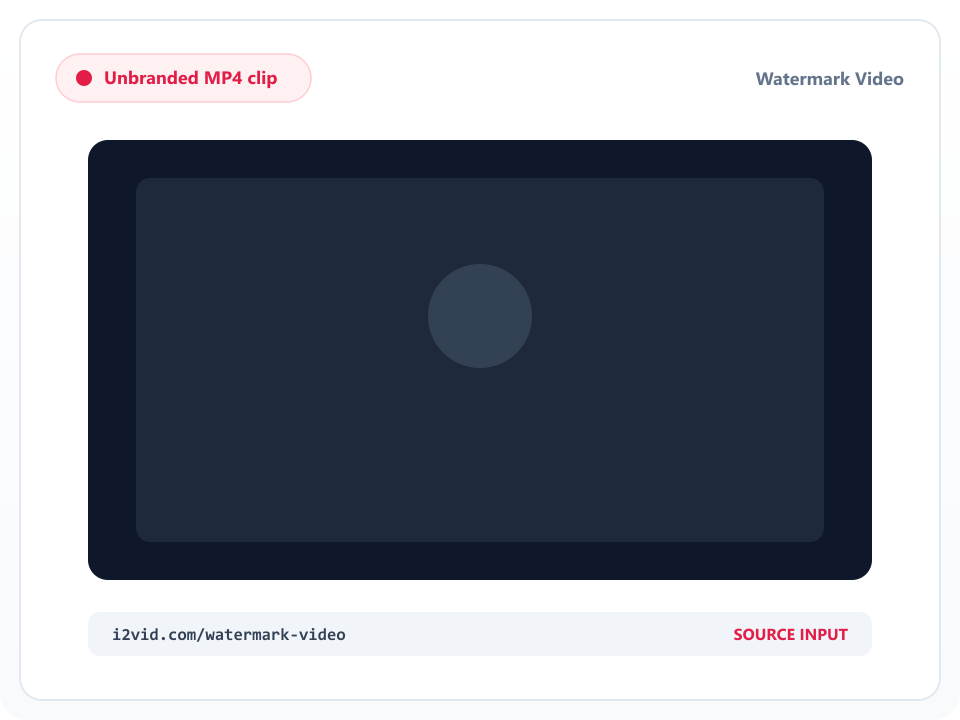
Before Unbranded MP4 clip
Watermark Video source input — Unbranded MP4 clip
Unbranded clip vulnerable to uncredited reposting or missing client review attribution.
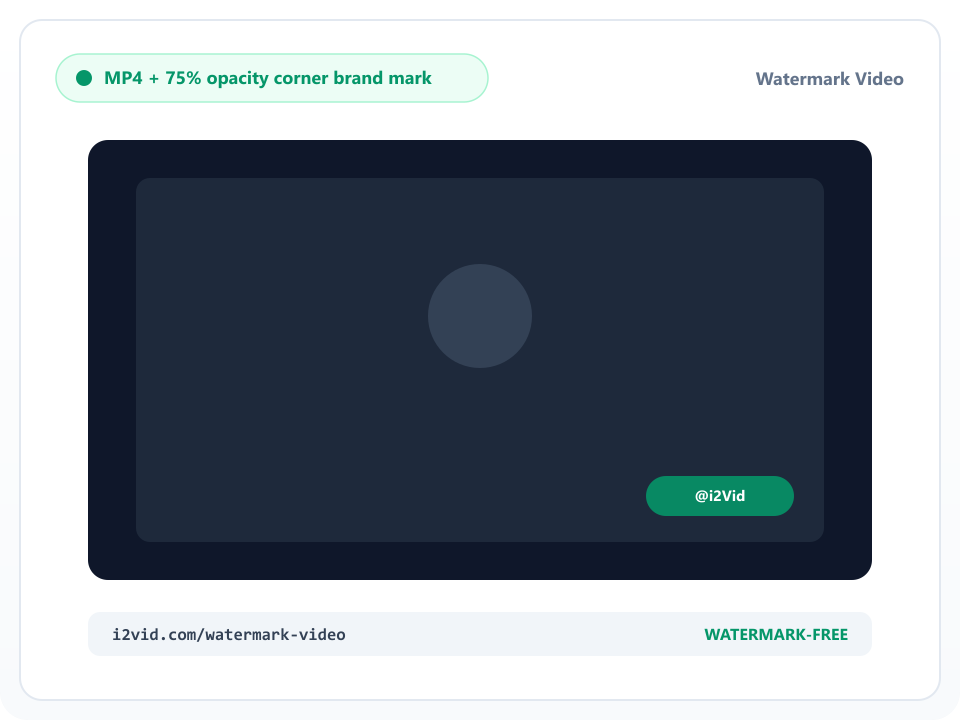
After MP4 + 75% opacity corner brand mark
Watermark Video finished result — MP4 + 75% opacity corner brand mark
Cleanly branded MP4 with crisp transparent logo or handle positioned in the safe margin.
QUICK VIDEO TUTORIAL How to Add Your Own Logo PNG or Text Watermark to a Video Online Free Protect client previews and build channel recognition on reposted Reels and Shorts by placing a subtle transparent PNG logo or handle watermark in the corner—without any third-party editor stamping its own branding onto your clip. Watch the video

How to Add Your Own Logo PNG or Text Watermark to a Video Online Free

01

Load your video onto the watermarking stage

Open Watermark Video and drop your video clip.

Choose between Text Watermark (great for @handles and URLs) or Image Logo (transparent PNG, WebP, or SVG).

02

Position your logo or text and set subtle opacity

Snap your watermark to Top Left, Top Right, Bottom Left, or Bottom Right—or drag and resize it directly on the video stage.

Dial Opacity to 60%–80% so your brand mark stays clearly visible without distracting from the underlying footage.

Use transparent 2× PNG or SVG logos

Uploading a transparent PNG without a white background box looks sleek over moving video scenes.

65%–80% opacity looks broadcast-grade

Slightly translucent corner bugs look far more refined than 100% solid stickers while still deterring uncredited reposts.

03

Render and download your branded MP4 or WebM

Click Export Video to composite your watermark cleanly across the clip.

Preview and save your finished video.

Ready to use Watermark Video?

Open Watermark Video in your browser—100% private on your device with zero uploads and zero watermarks. Related video tools: Blur Video, Burn Subtitles, Online Video Editor.

Open Watermark Video
Common questions

Watermark Video FAQs

Practical answers for getting clean, fast, watermark-free video exports right in your browser.

Does i2Vid add its own watermark alongside mine?

Never. Only the custom text or logo image you configure appears on your exported video.

Can I rotate or drag the watermark anywhere on screen?

Yes—drag it freely on the stage or use corner presets for consistent safe-margin alignment.

Are client preview videos uploaded to a server?

No. Branding happens 100% locally in your browser.

Image detail

Language38

EnglishالعربيةFrançaisItalianoDeutschEspañolPortuguêsNederlandsРусскийTürkçe日本語中文हिन्दीBahasa IndonesiaBahasa Melayu한국어Tiếng ViệtไทยPolskiSvenskaУкраїнськаNorskবাংলাΕλληνικάفارسیاردوČeštinaDanskMagyarRomânăSuomiБългарскиFilipinoქართულიSlovenčinaAzərbaycancaעבריתSlovenščina