Tools40

Cut, crop & timeline

How to Fix a Sideways or Upside-Down Video Online (Rotate 90°, 180° & Mirror Flip)

Phones sometimes lock orientation a split-second too late, leaving an entire vertical video stuck sideways—or a front-camera selfie clip mirrored backwards. i2Vid Rotate Video turns clips 90°/180° and flips horizontally or vertically with instant live preview.

Rotate sideways MP4, MOV, MKV, and WebM videos 90° clockwise, 90° counterclockwise, or 180°—and mirror-flip horizontally or vertically in your browser.

Follow the guide
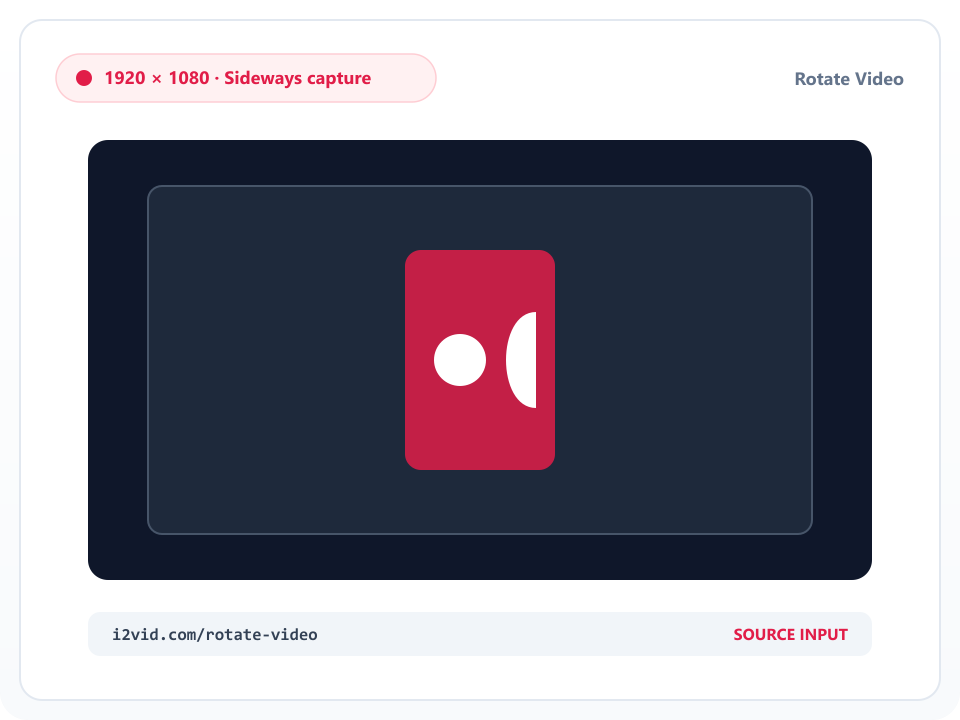
Before 1920 × 1080 · Sideways capture
Rotate Video source input — 1920 × 1080 · Sideways capture
Phone recording locked in landscape orientation so the subject appears sideways.
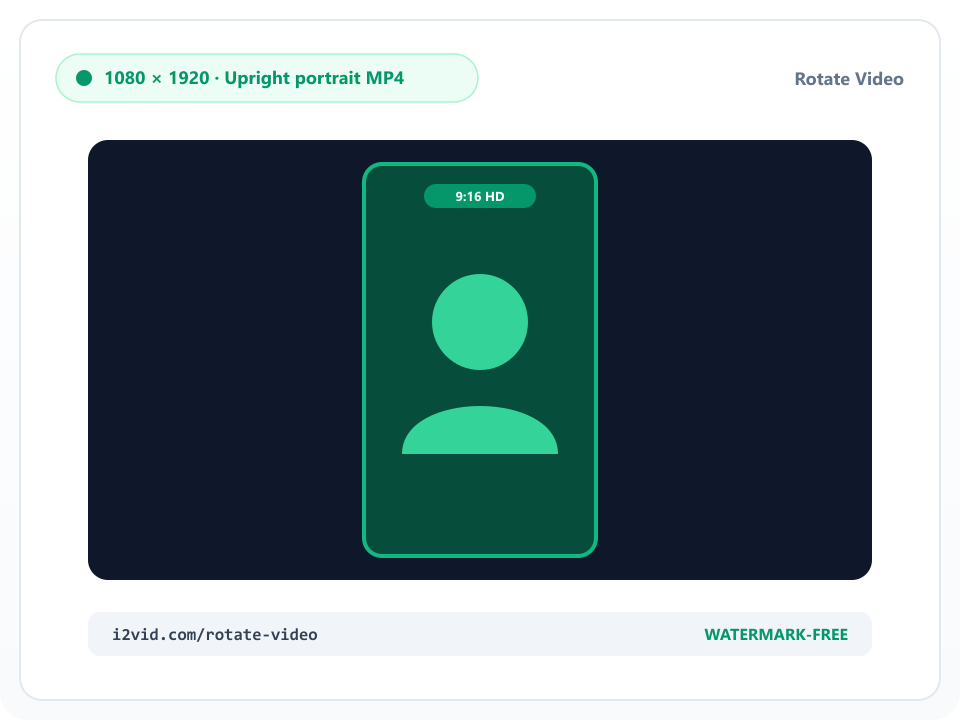
After 1080 × 1920 · Upright portrait MP4
Rotate Video finished result — 1080 × 1920 · Upright portrait MP4
Properly oriented 1080×1920 upright MP4 that plays right-side up in every app and player.
QUICK VIDEO TUTORIAL How to Fix a Sideways or Upside-Down Video Online (Rotate 90°, 180° & Mirror Flip) Phones sometimes lock orientation a split-second too late, leaving an entire vertical video stuck sideways—or a front-camera selfie clip mirrored backwards. i2Vid Rotate Video turns clips 90°/180° and flips horizontally or vertically with instant live preview. Watch the video

How to Fix a Sideways or Upside-Down Video Online (Rotate 90°, 180° & Mirror Flip)

01

Drop your video onto the stage

Open Rotate Video and select your sideways, upside-down, or mirrored video file.

The stage displays your current orientation immediately.

02

Rotate 90° / 180° or mirror-flip horizontally and vertically

Click Rotate 90° Right, Rotate 90° Left, or 180° until your footage stands upright—notice width and height swap automatically on 90°/270° turns so nothing gets cropped.

Toggle Flip Horizontal to fix backward text on selfie webcam/phone videos, or Flip Vertical for overhead rig corrections.

Un-mirror text on front-camera recordings

If whiteboard writing or T-shirt logos look backward on a selfie recording, click Flip Horizontal once to make every letter readable.

Baked pixels beat header-only flags

Baking rotated pixels ensures Windows Media Player, web uploaders, and older smart TVs never play your clip sideways again.

03

Export your permanently corrected video

Click Export Video to bake the new orientation directly into the video frames so even older TVs and players that ignore rotation metadata display it upright.

Download your corrected MP4 or WebM file.

Ready to use Rotate Video?

Open Rotate Video in your browser—100% private on your device with zero uploads and zero watermarks. Related video tools: Crop Video, Resize Video, Webcam Recorder.

Open Rotate Video
Common questions

Rotate Video FAQs

Practical answers for getting clean, fast, watermark-free video exports right in your browser.

Does rotating 90° cut off the top and bottom of my video?

No. Output canvas dimensions swap automatically (for example 1920×1080 becomes 1080×1920), preserving 100% of your frame.

Can I combine a 90° rotation and a horizontal mirror flip?

Yes, rotation and horizontal/vertical flip toggles combine freely in a single pass.

Are my personal videos uploaded to a server?

Never. Rotation runs privately inside your browser.

Image detail

Language38

EnglishالعربيةFrançaisItalianoDeutschEspañolPortuguêsNederlandsРусскийTürkçe日本語中文हिन्दीBahasa IndonesiaBahasa Melayu한국어Tiếng ViệtไทยPolskiSvenskaУкраїнськаNorskবাংলাΕλληνικάفارسیاردوČeštinaDanskMagyarRomânăSuomiБългарскиFilipinoქართულიSlovenčinaAzərbaycancaעבריתSlovenščina